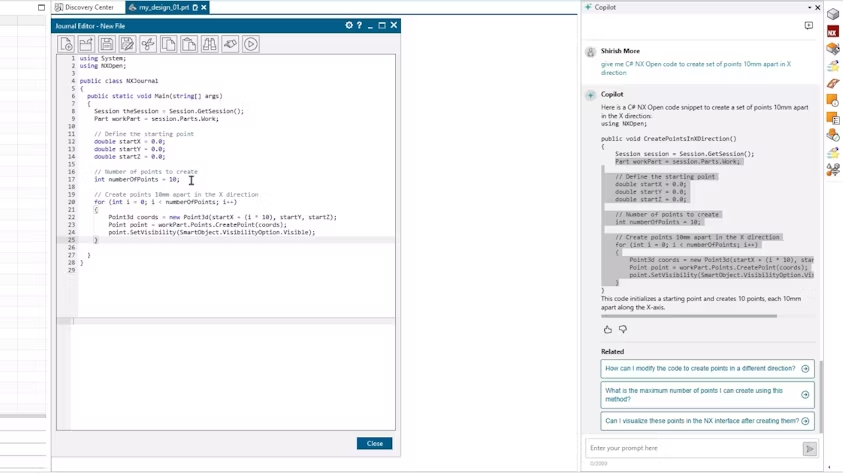



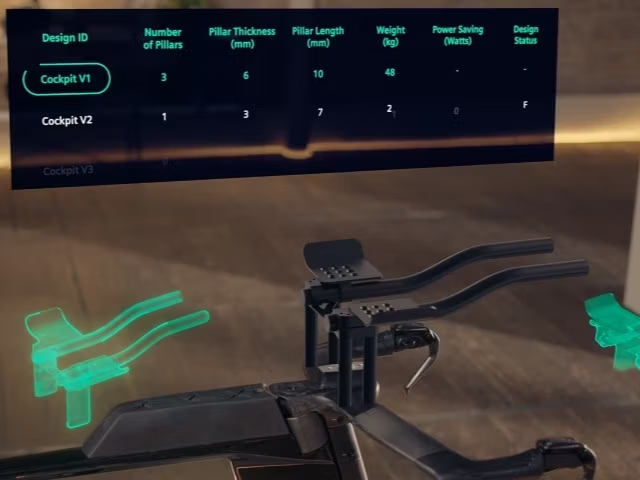


Leverage an AI-powered copilot to assist with analysis, optimization, and generation within Designcenter NX software.
Powered by Microsoft Phi-3, the Industrial Copilot offers a conversational interface that provides the information you
need and allows you to make design modifications.
Use Design Copilot NX to guide you through tasks or gain deeper insights into your data.
For example, ask the copilot for advice on specific design processes within your industry or for guidance on working with particular parts.
Additionally, receive personalized recommendations on your design, helping you understand how different conditions or metrics should be factored in.
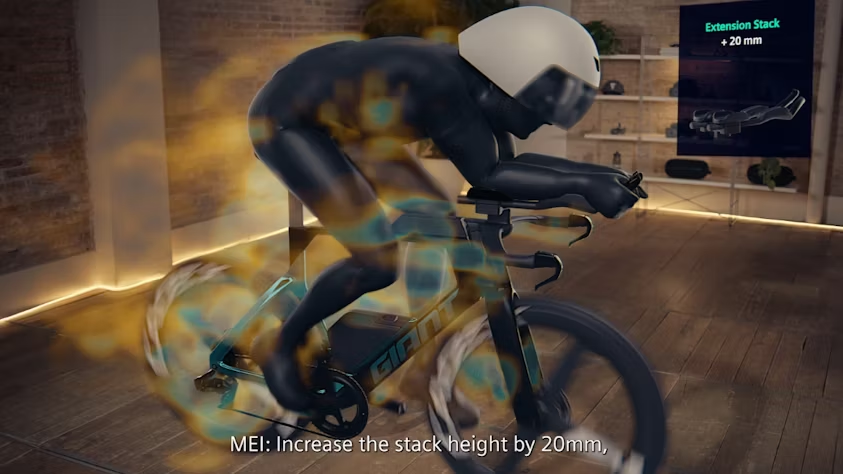
For instance, you can ask the copilot to provide simulation results or display a visual report on material selection, allowing you to optimize your
design’s weight without compromising its structural integrity.
Streamline your design workflow and simplify interactions with NX Voice Command Assistant. Eliminate the need for excessive clicks and complex menus by using natural, conversational commands or simple keywords to execute tasks swiftly. Whether on a traditional desktop or hands-free with immersive XR headsets, you can control the software effortlessly with just your voice.
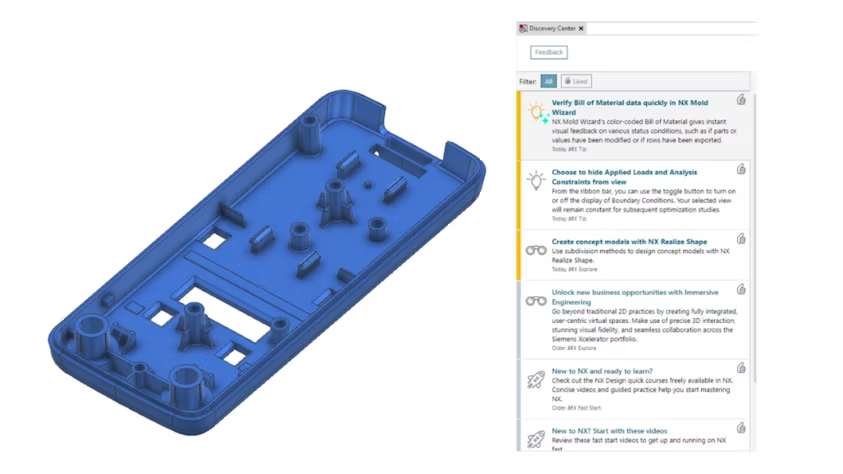
Boost productivity and quickly access the resources you need with Discovery Center, seamlessly integrated into Designcenter NX. Whether you’re a new or experienced user, you’ll receive personalized, context-driven recommendations for relevant features, tools, and workflows to enhance your design process.
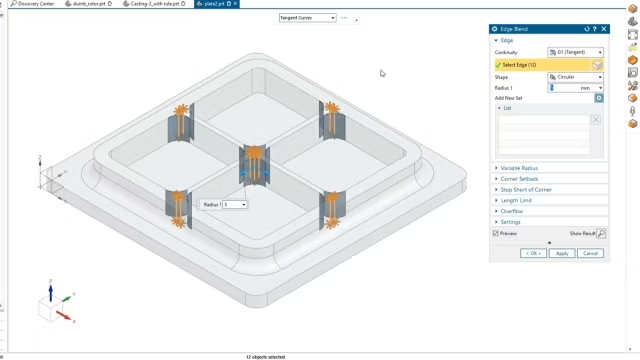
Harness the power of the NX personal assistant, which utilizes artificial intelligence (AI) and machine learning to track and learn from your actions. NX Command Prediction anticipates the commands you’re likely to use next based on your current activity. It then displays these predicted commands on a compact, adaptive user interface (UI) panel. For instance, when working with sheet metal, the system recognizes the typical sequence of commands and offers them to you in advance.

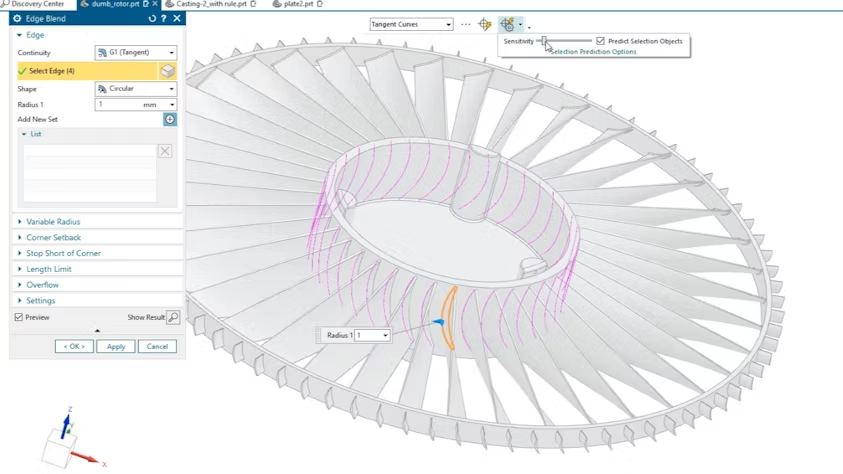
Speed up your workflow with NX Selection Prediction. Set your preferred selection sensitivity, preview the predicted objects to be selected, and easily add or remove items from the selection list as needed.
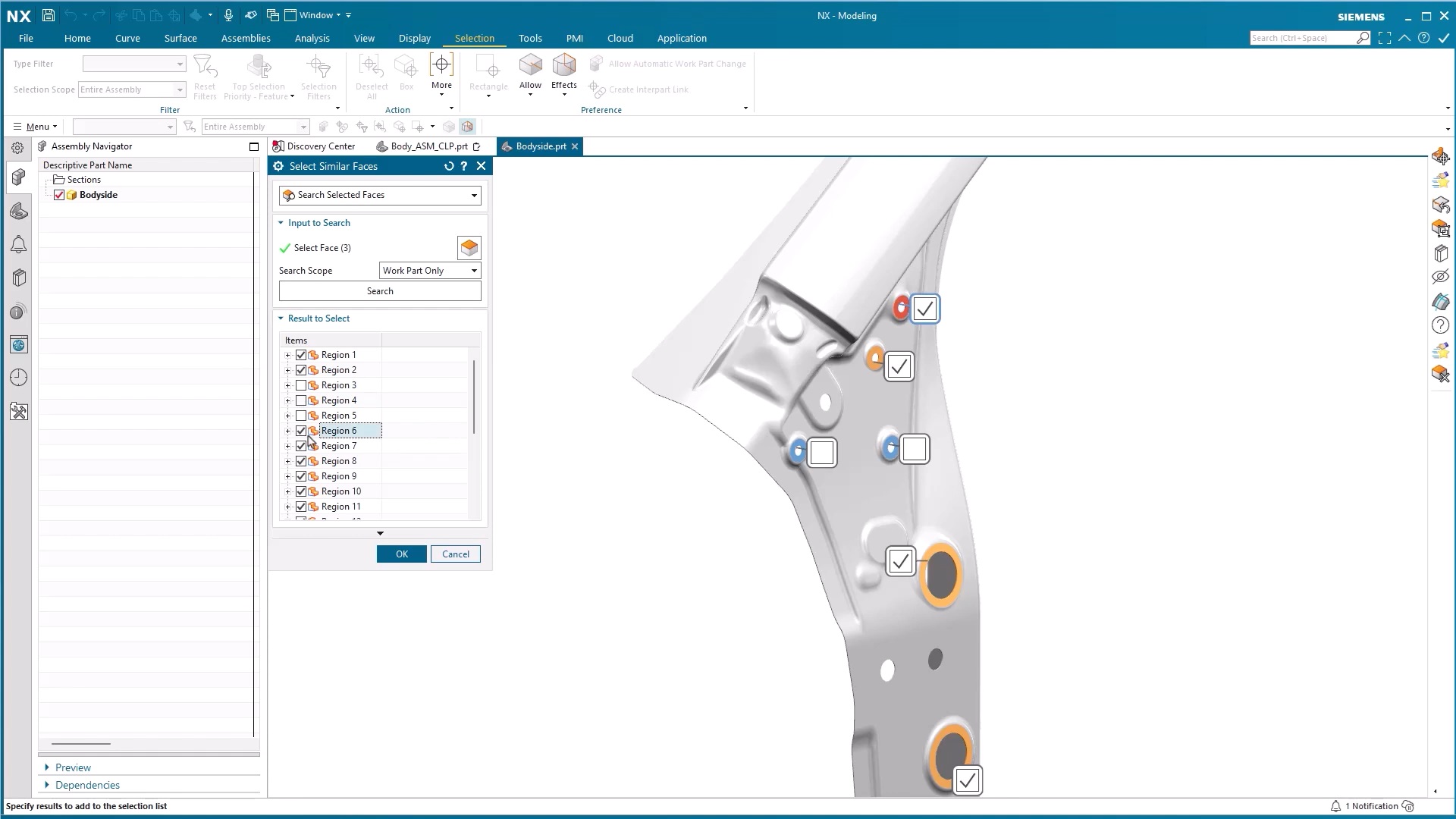
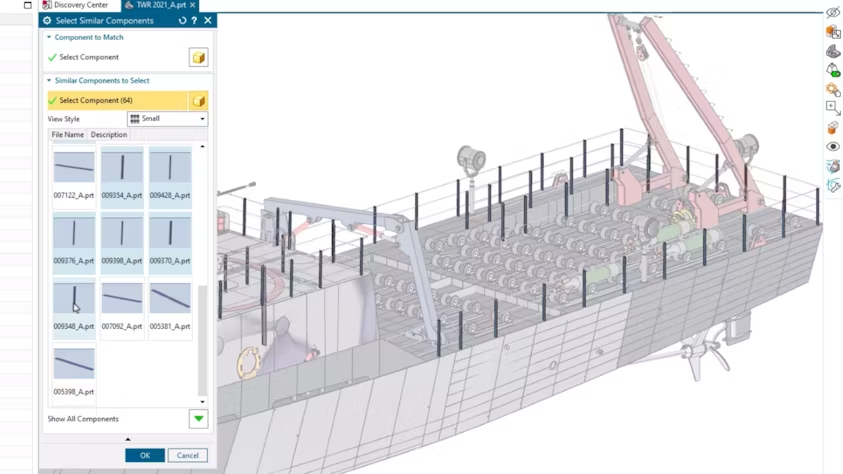
Minimize manual clicks and accelerate your design process with the “Select Similar” commands in Designcenter NX CAD. AI-powered Select Similar Components identifies and selects geometrically similar components, enabling bulk operations and speeding up design modifications without the need to manually search through complex assemblies. Additionally, NX Select Similar Faces boosts design efficiency by locating and selecting similar faces across multiple components. You can also apply custom checks to validate similar regions and build a personal library of frequently searched areas.
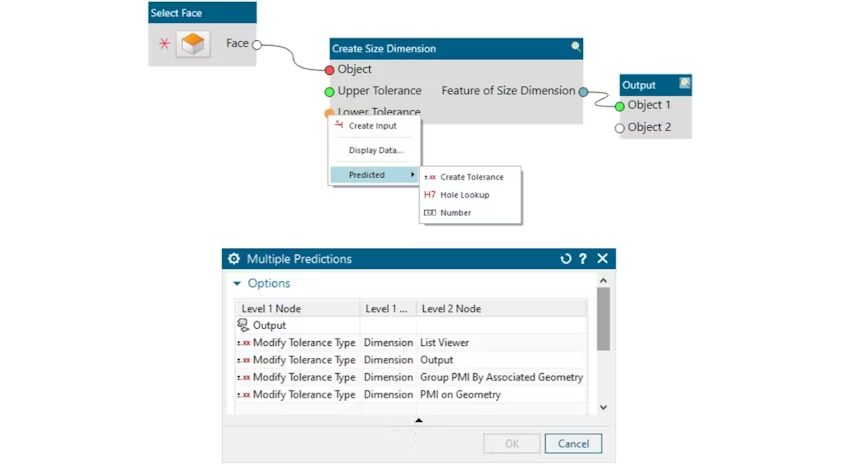
Enhance your Model Based Definition workflow in NX by utilizing predicted options when authoring PMI. Powered by machine learning, the system can intelligently anticipate both single and multi-level input and output port nodes, streamlining the annotation process and improving efficiency.
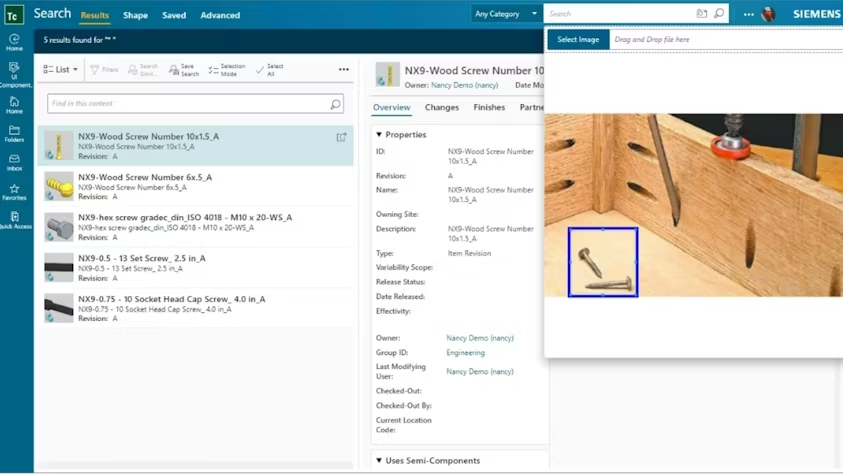
Minimize rework and avoid starting from scratch by finding existing parts that match a photo. With Teamcenter AI Assisted Part Finder, you can upload an image, focus your search by selecting a specific area within it, and quickly browse a list of similar existing Designcenter NX part files—saving time and improving design reuse.