


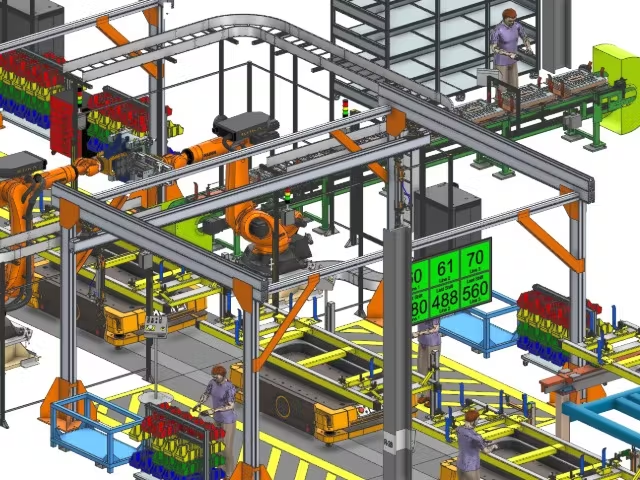

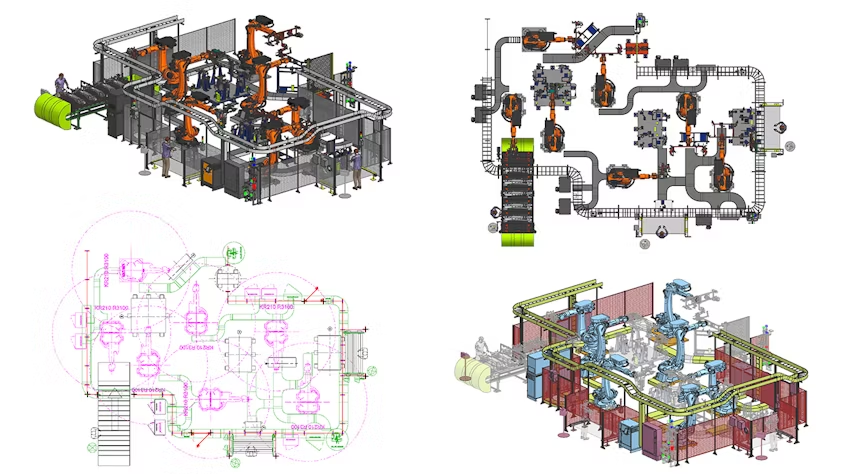
Line Designer X empowers you to build efficient manufacturing layouts by reusing resources from multiple formats and sources — including legacy files like DWG and IFC, supplier models such as JT and STEP, and internal libraries using NX part families and product templates.
This flexibility streamlines layout creation, reduces redundant work, and maximizes the value of your existing design data, ensuring a seamless workflow from concept to production.
Accelerate Planning and Visualization
Line Designer X enables you to maintain multiple representations of equipment, helping you accelerate planning and visualization across every stage of the manufacturing layout process. The solution supports fast data loading and allows users to work seamlessly in both 2D and 3D environments, applying the appropriate level of detail for each specific use case.
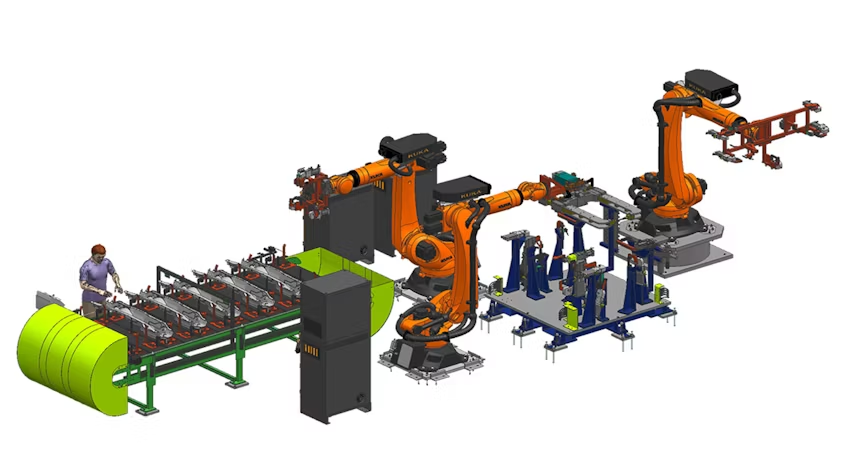
Achieve precise alignment and maintain accurate relative positioning with Line Designer’s intelligent connectors, which serve as location constraints between components. When one element is repositioned, all connected components automatically adjust—simplifying layout modifications and enhancing overall efficiency.
Seamlessly propagate expressions across connected components using the Modify Connected System command. Line Designer intelligently identifies relevant expressions and applies updates throughout all linked elements, ensuring consistency and minimizing the need for manual adjustments.
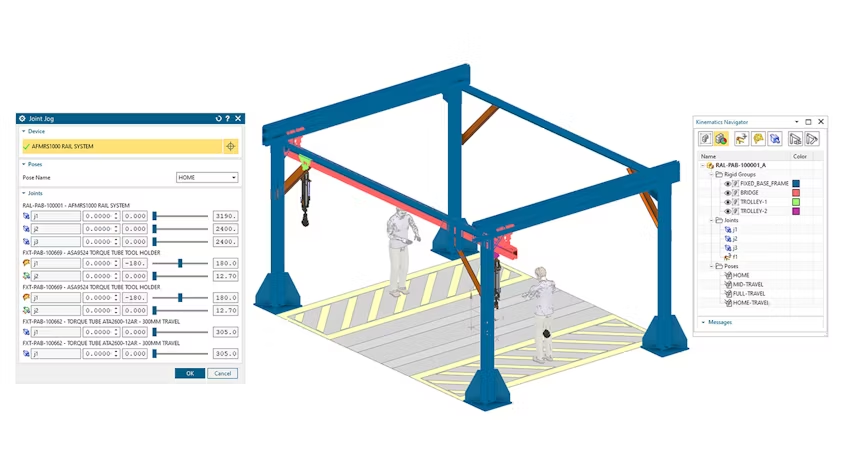
Simulate realistic equipment motion with Line Designer’s built-in kinematic editor. Define rigid groups and joints with limits and poses to create accurate, dynamic simulations. Color-coded rigid groups enhance clarity, while driver joints simplify complex multi-joint movements. Loop kinematics enables coordinated motion across interconnected components for more precise analysis.
Empower layout engineers to interact directly with kinematic definitions—jog joints, switch between predefined poses, or create custom layout-specific configurations. By evaluating equipment in multiple positions, engineers can detect and resolve potential installation interferences early in the design process, improving accuracy and reducing costly rework.
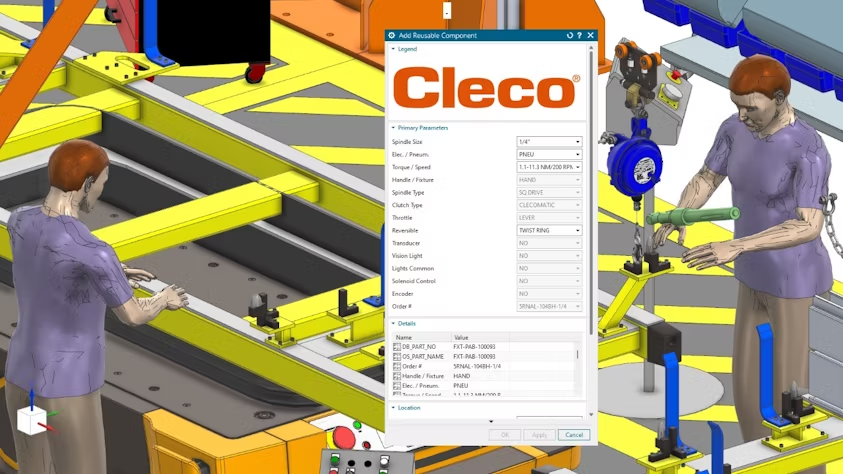
Access a rich library of configurable parametric resources in Line Designer X, built using Product Template Studio (PTS) and part families, and seamlessly integrated with Teamcenter classification.
Promote reuse and avoid duplication by using part families for standard resources—ensuring consistent use and preventing multiple versions of the same component in layout designs. Leverage resources available in both imperial and metric units, fully supported in both Standalone and Teamcenter-connected modes for maximum flexibility across global teams.
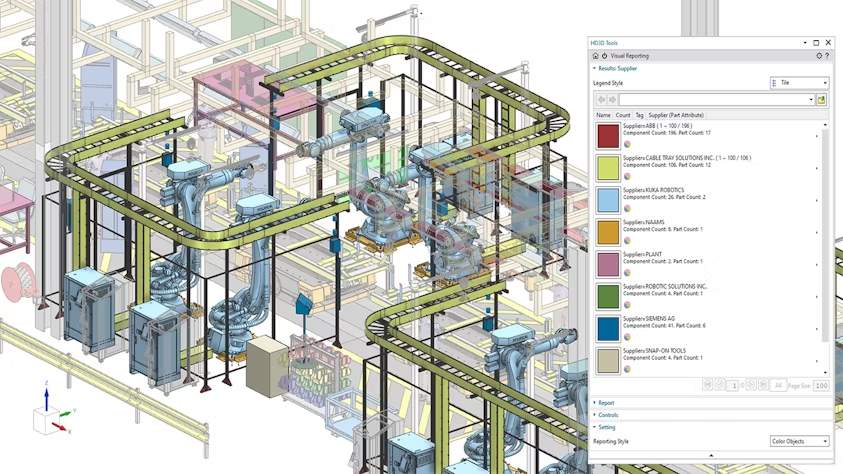
Generate actionable insights with visual reporting by leveraging built-in system intelligence and user-defined attributes. Eliminate time-consuming manual data searches and interpretation with clear, color-coded visual reports presented as both textual lists and 3D highlights within your layout.
Instantly identify supplier-specific equipment, locate areas with the highest power consumption, and highlight high-cost assets driving overall expenses—all directly within the context of your manufacturing environment.
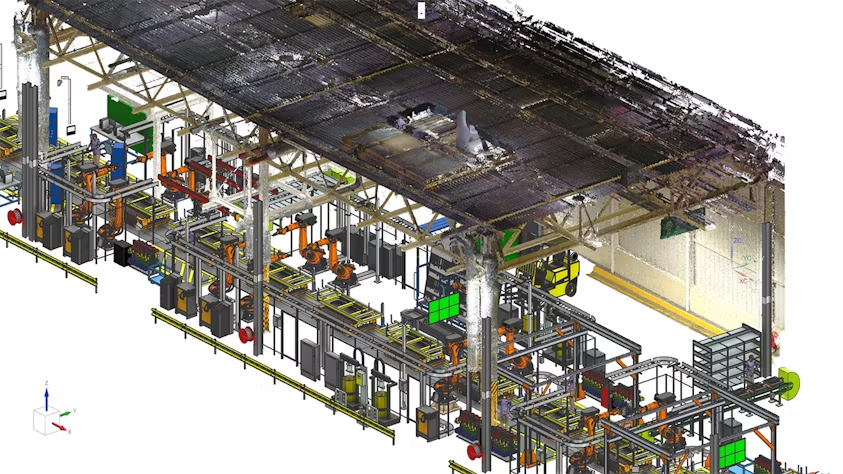
Generate actionable insights with visual reporting by leveraging built-in system intelligence and user-defined attributes. Eliminate time-consuming manual data searches and interpretation with clear, color-coded visual reports presented as both textual lists and 3D highlights within your layout.
Instantly identify supplier-specific equipment, locate areas with the highest power consumption, and highlight high-cost assets driving overall expenses—all directly within the context of your manufacturing environment.
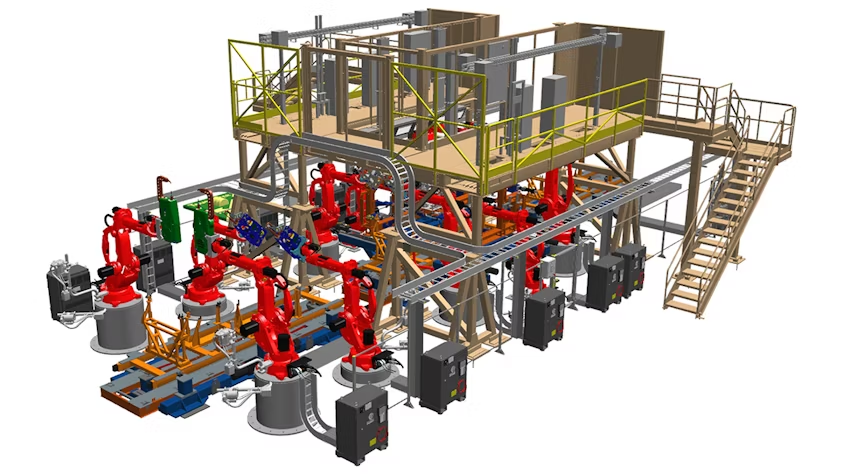
Seamlessly integrate with Teamcenter to streamline planning and layout design in Line Designer X. Reuse layout data across the digital manufacturing suite and import it into Process Simulate for feasibility studies, ergonomic validation, and virtual commissioning.
Extend the value even further by utilizing the same layout and attributes in Plant Simulation to identify bottlenecks, optimize throughput, and enhance overall production efficiency.