




NX for manufacturing
NX CAM software
Enhance your manufacturing performance and gain a competitive edge with our advanced
Computer-Aided Manufacturing (CAM) software—an essential component of our comprehensive
digital manufacturing solution.
How NX CAM software can boost your productivity
Revolutionize your entire part manufacturing process with a single, powerful solution—NX CAM software.
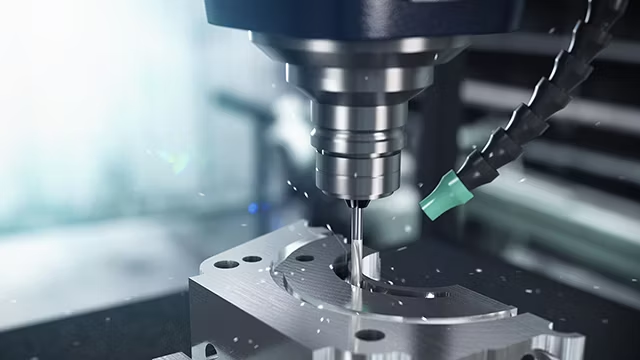
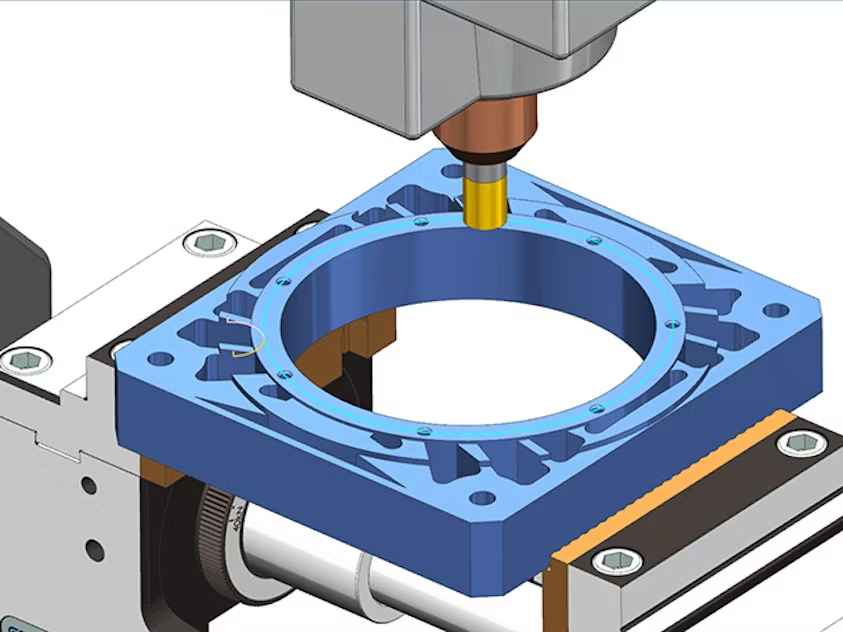
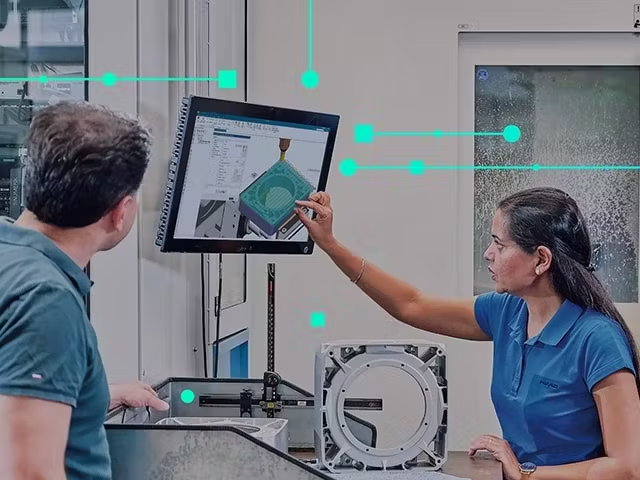
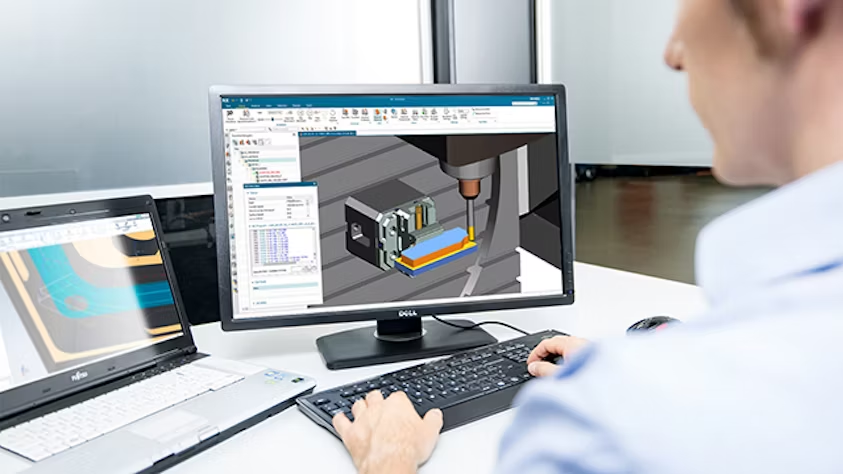
NX CAM streamlines NC programming, accelerates machining, and enables the production of high-precision parts through advanced toolpath technologies and integrated G-code-driven simulation.
Take it further with NX X Manufacturing, our next-generation SaaS solution that unites leading CAD/CAM capabilities with the flexibility, scalability, and security of the cloud.
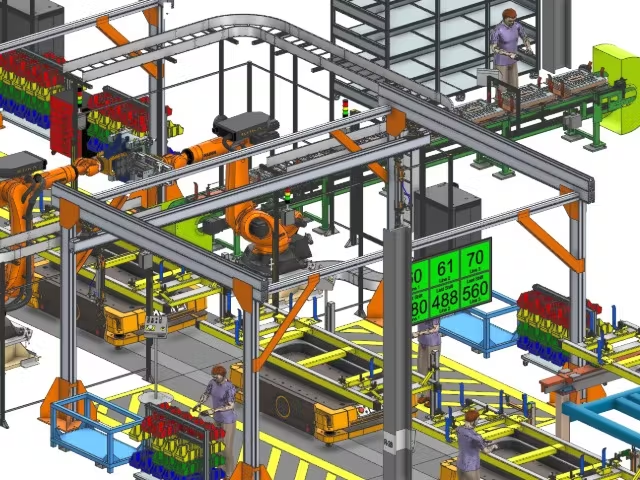
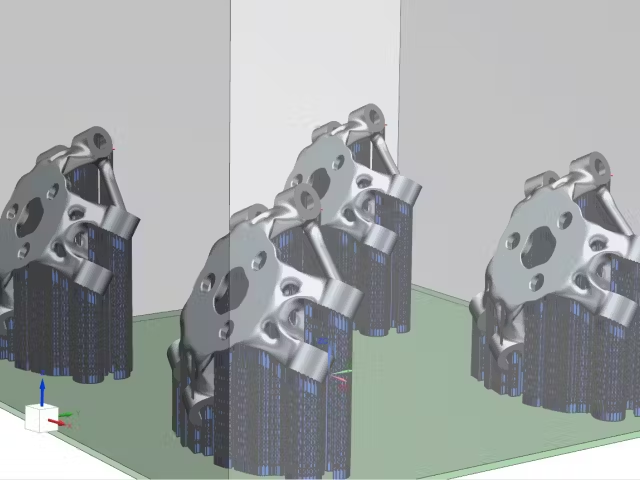
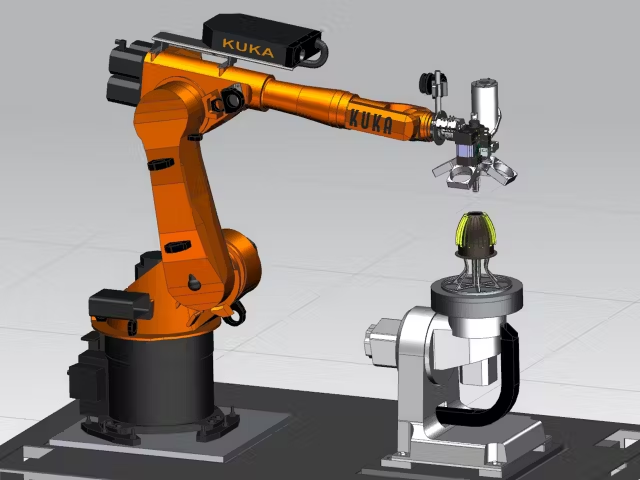
Stay ahead of industry demands with seamless integration into Siemens’ broader digital manufacturing ecosystem—covering everything from 3D printing and robotics to production line design and beyond.
NX X Manufacturing buyer’s guide
Learn more about the cloud-based, prepackaged NX X Manufacturing solutions and how to extend them with add-ons.
Key Benefits of Siemens NX CAM software
90%
reduced programming time
Automate NC (Numerical Control) programming with feature-based machining and advanced interactive techniques—streamlining workflows, saving time, and ensuring consistent, standardized processes.
60%
reduced programming time
Create high-performance machining operations that boost material removal rates, enhance surface quality, and extend tool life.
70%
reduced programming time
Ensure parts are delivered on spec and on time by using a single integrated CAD/CAM solution that connects the entire manufacturing process—from 3D models to precision-machined components.
Explore the capabilities of Siemens NX CAM software
How does NX CAM differ from other CAM software?
NX CAM software enables you to create efficient toolpaths, simulate machining operations, and generate production-readyprograms for a wide variety of CNC machines. With built-in CAD capabilities, you can also prepare part models and define
machine setups—all within a single, integrated environment.
Automated programming
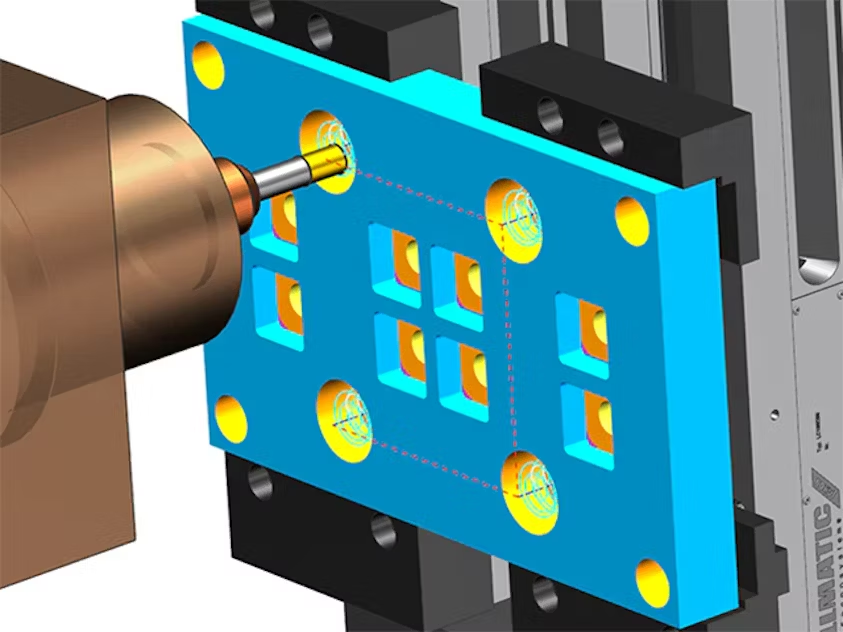
Quickly generate operations for numerous common features in seconds with NX CAM’s feature-based machining capability.
This automated method streamlines programming, reduces manual effort, and boosts productivity by up to 90%.
Advanced machining strategies
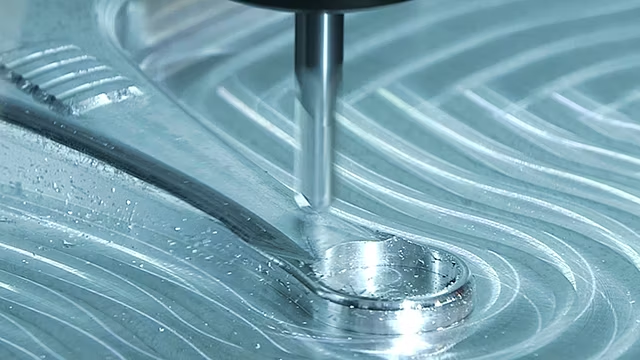
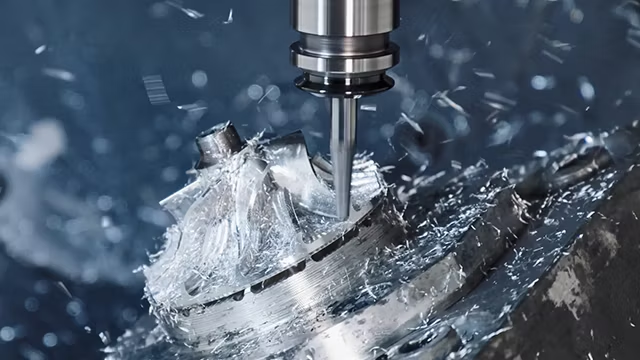
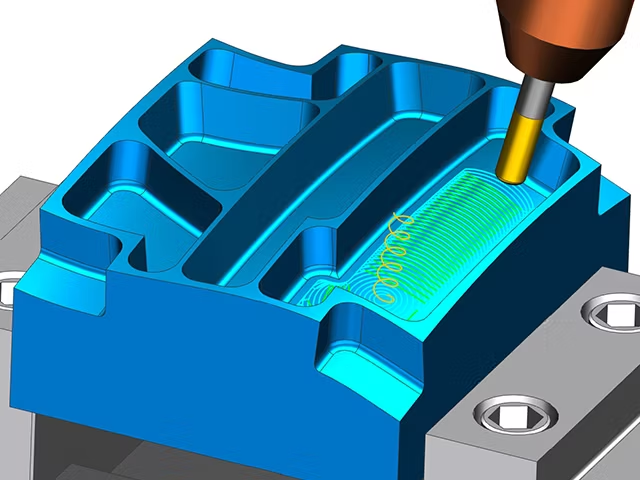
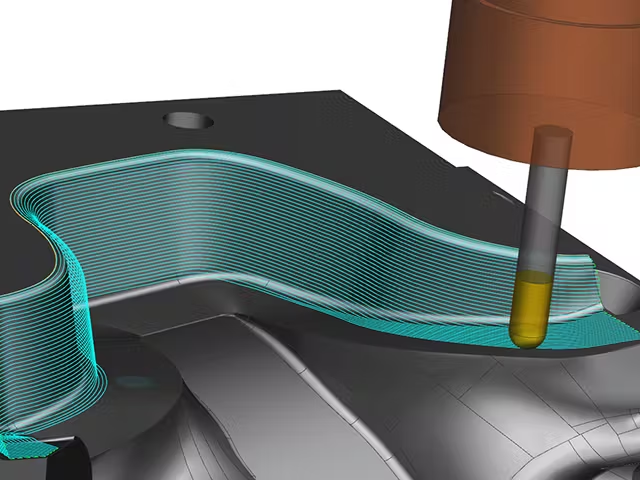
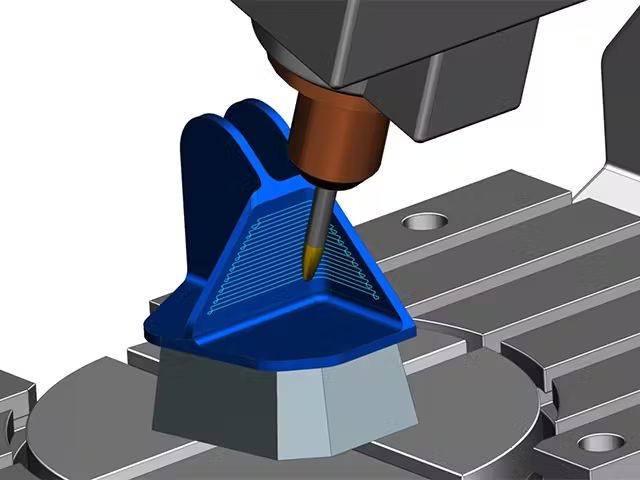
Produce precision parts of any complexity with advanced machining strategies like ultra-fast multi-axis roughing and smooth, high-feed rate finishing.
These innovative techniques enhance part quality while cutting cycle times by up to 60%.
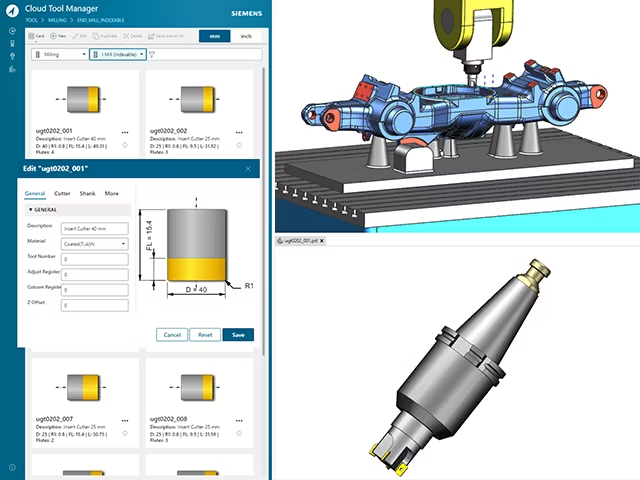
Cloud-connected tool library
Effortlessly manage and select cutting tools using a modern, graphic-based library featuring dynamic tool previews.Quickly import tool data directly from vendor catalogs, eliminating manual entry and boosting programming efficiency.
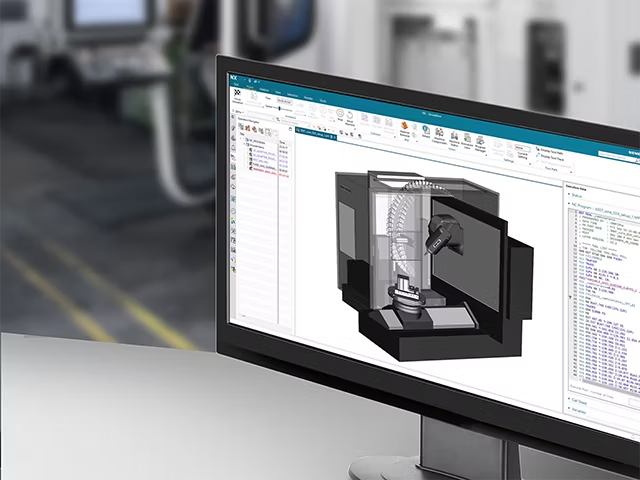
Integrated simulation
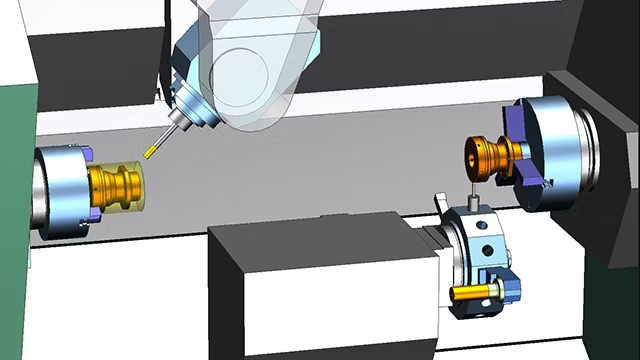
Validate operations digitally with integrated simulation. NX precisely replicates the machining process, allowing you to identify and eliminate potential errors and optimize workflows before executing the program on the actual CNC machine.
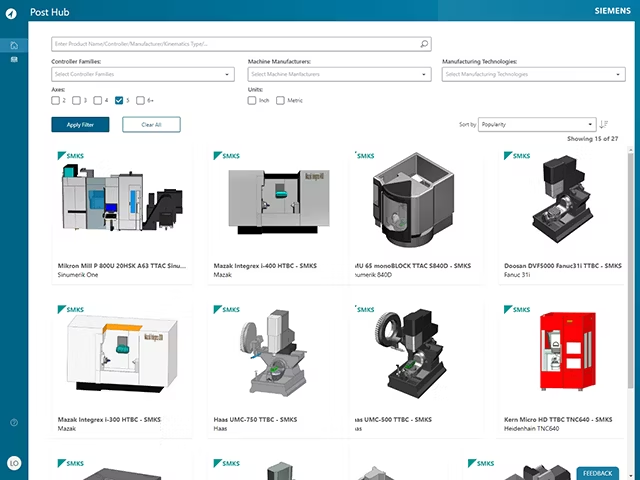
Postprocessing on the cloud
Produce validated, production-ready programs for your CNC machines with Post Hub, a cloud-based post-processing solution.It provides access to over 1,000 postprocessors, generating G-code customized to your specific machine tool configuration.
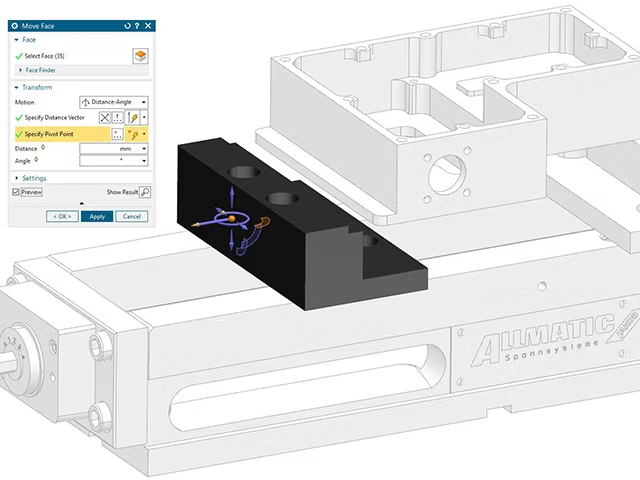
Integrated solutions
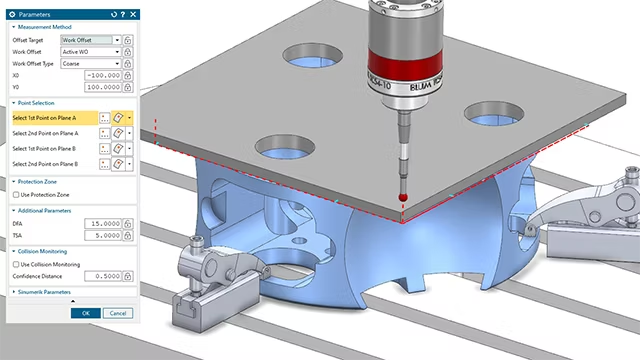
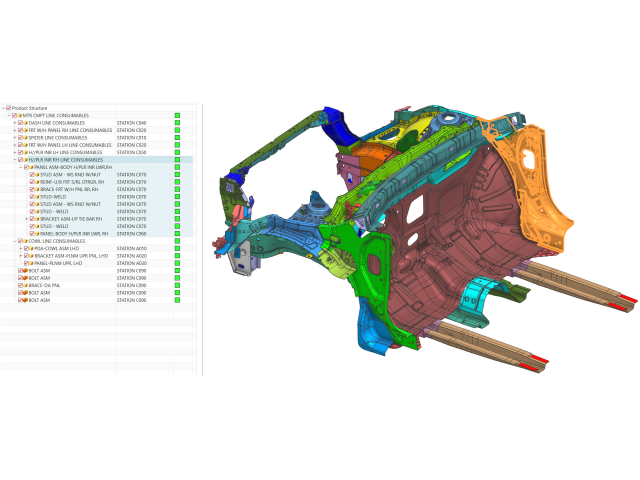
Leverage unified part manufacturing capabilities to boost your productivity. Collaborate seamlessly throughout the entire design-to-production workflow—from CAD and CAM programming to 3D printing and CMM inspection programming—all within a single integrated environment.
This comprehensive integration fosters smooth collaboration across every stage of product development.
Siemens Teamcenter Share
Optimize your entire production process with Teamcenter Share, a cloud-based collaboration solution, which seamlessly connects to NX CAM software. Securely communicate and share information with internal and external stakeholders in the cloud.
Connect design, manufacturing and shop floor teams to run more flexible and efficient production.
NX CAD awards
Award-winning NX CAM automates programming, accelerates machining and boosts productivity.

Featured case study
D’ANDREA S.p.A
Case Study
Building on tradition with continuous innovation
Company : D’ANDREA S.p.A
Location : Lainate, Italy
Siemens Software : NX , Teamcenter
Frequently asked questions on CAM software
Explore answers to common inquiries about CAD, CNC and CAM software technologies
Computer-aided manufacturing (CAM) software empowers NC programmers to create precise G-code instructions for CNC machines. These instructions direct the production of parts with exceptional accuracy and quality. Manufacturers across industries use CAM software to digitalize and automate component production, streamline machining operations, and boost overall productivity.
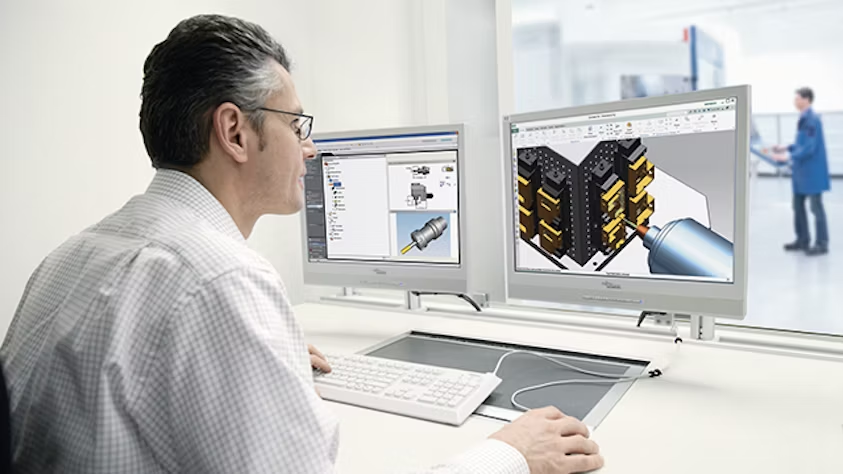
CAD (Computer-Aided Design) software enables the creation of 2D and 3D models, supporting visualization and product development.
CAM (Computer-Aided Manufacturing) software builds on these designs to generate toolpaths, simulate machining operations, and optimize manufacturing processes for CNC machines.
When integrated, CAD/CAM software unifies design and manufacturing, streamlining workflows and helping companies maintain a competitive edge.
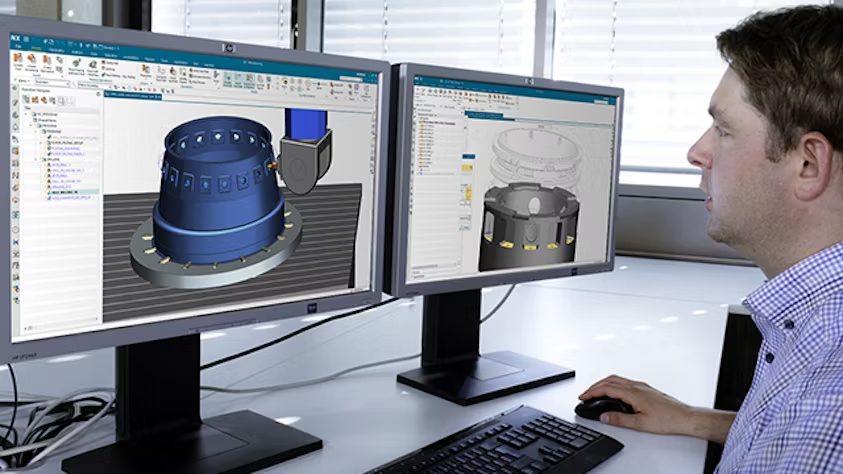
CAM software is used across a wide range of industries—including aerospace, automotive, industrial machinery, and heavy equipment—where precision machining is essential. Whether for a small machine shop with a few tools or a large manufacturing operation with numerous CNC machines, CAM software helps streamline processes, improve efficiency, and ensure high-quality results. Its scalability makes it a valuable solution for businesses of all sizes, adapting easily as production needs grow and evolve.
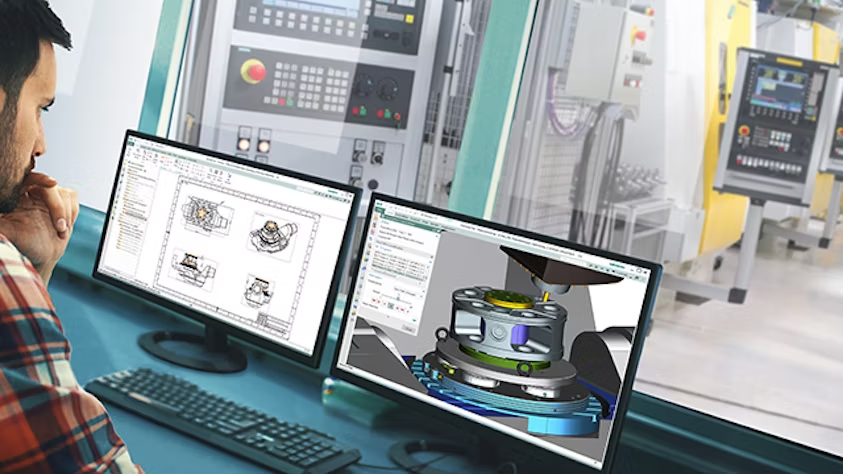
When choosing computer-aided manufacturing (CAM) software, evaluate key factors to ensure it meets your production needs. Look for compatibility with your existing systems—such as CAD, CMM, and shop floor applications—and assess the breadth of its toolset, ease of use, simulation accuracy, postprocessing options, and available technical support. Take advantage of trial versions to confirm that the software aligns with your workflow. Finally, consider scalability and long-term adaptability to ensure the solution grows with your manufacturing requirements.

When choosing computer-aided manufacturing (CAM) software, evaluate key factors to ensure it meets your production needs. Look for compatibility with your existing systems—such as CAD, CMM, and shop floor applications—and assess the breadth of its toolset, ease of use, simulation accuracy, postprocessing options, and available technical support. Take advantage of trial versions to confirm that the software aligns with your workflow. Finally, consider scalability and long-term adaptability to ensure the solution grows with your manufacturing requirements.
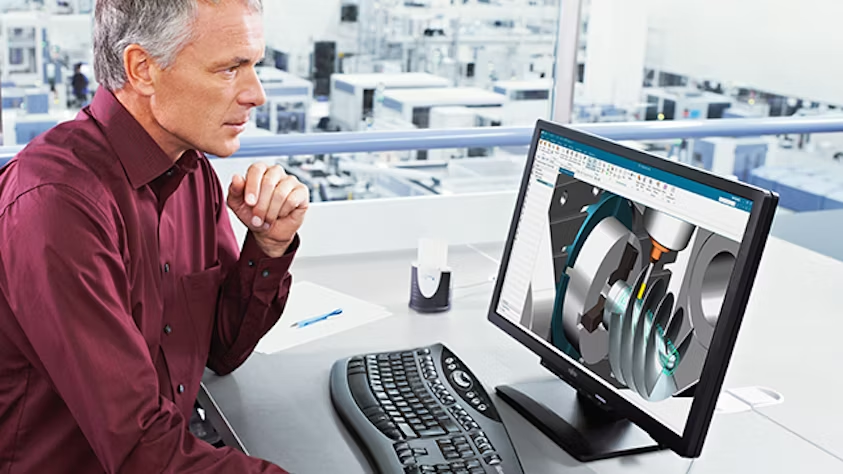
To achieve optimal performance with NX CAM software, your system should meet the following requirements: Windows 10 (64-bit) operating system, a multicore processor of 2.5 GHz or higher, 8 GB of RAM (16 GB or more recommended for large projects), a dedicated graphics card with OpenGL support, and a minimum display resolution of 1920 x 1080 pixels. Additionally, ensure at least 20 GB of free disk space for installation and project management. Meeting these specifications allows you to fully leverage the capabilities of NX CAM software.
NX X Manufacturing is a cloud-based SaaS solution that integrates CAD and CAM capabilities with the scalability, security, and flexibility of cloud technology. It helps streamline production processes, enhance collaboration, and optimize workflows, all through a scalable, value-based licensing model.