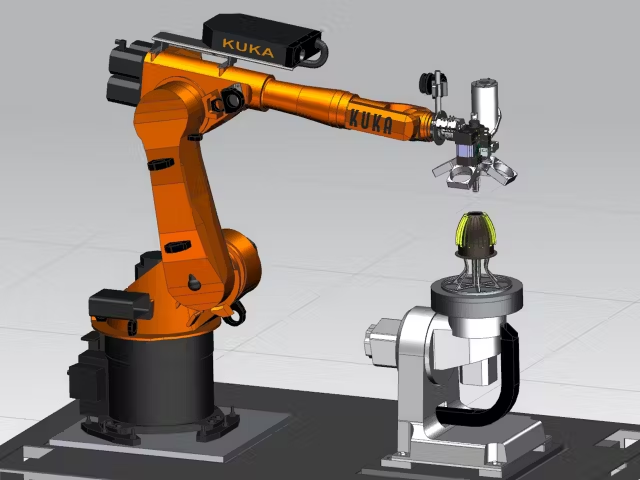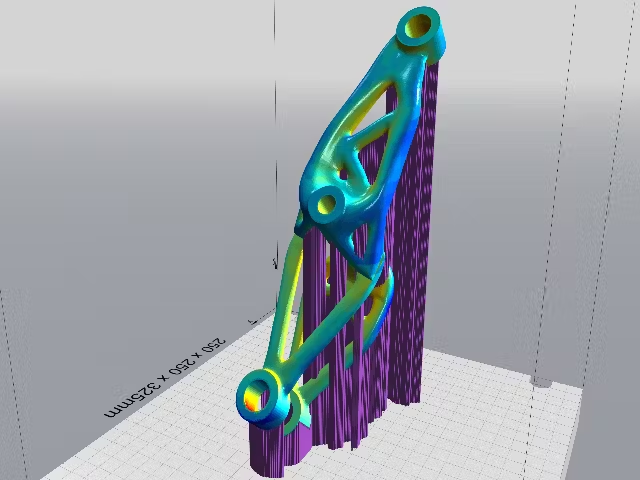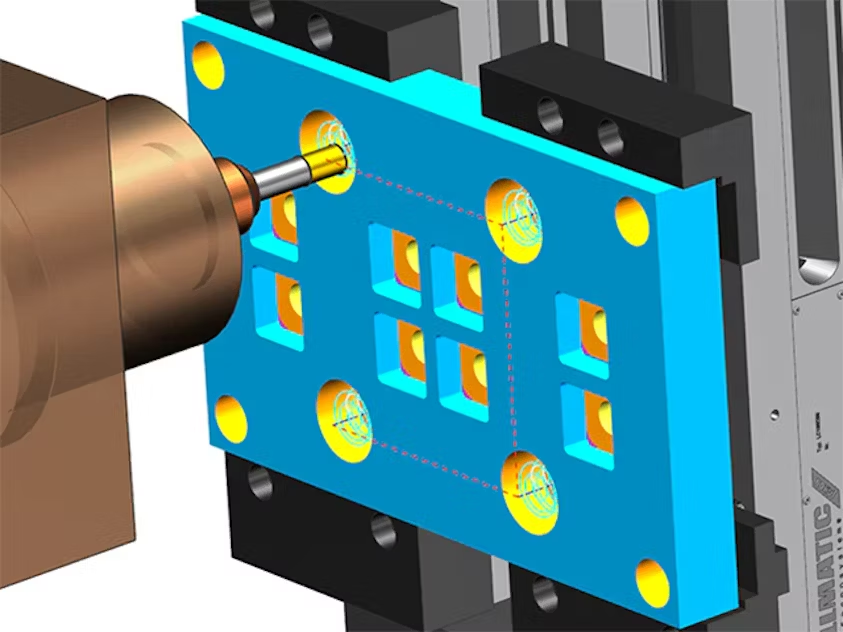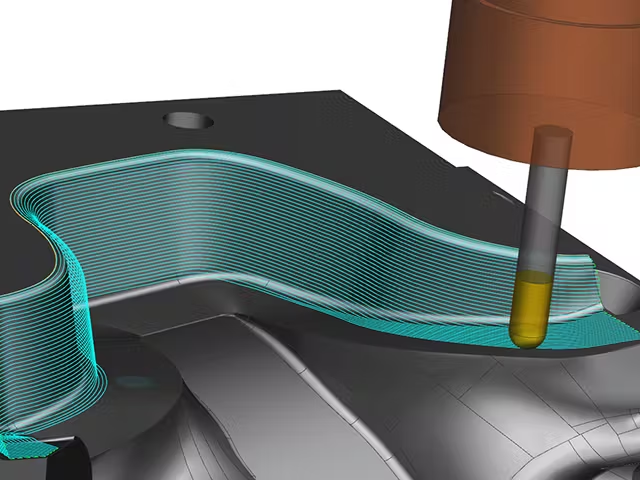



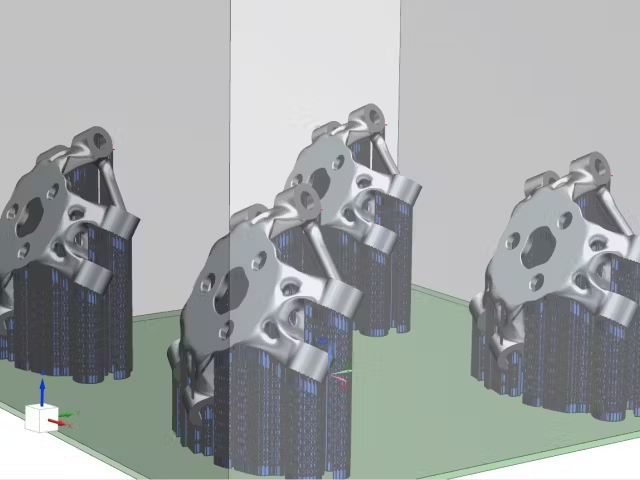
NX AM Fixed-Plane solutions allow you to easily populate your build tray by adding parts through a seamless drag-and-drop interface. You can quickly pattern parts in the build tray to create duplicates for printing. You can also define the orientation manually or according to the AM Build Coordinate System, which is created at design time or by simulation.
Advanced licenses include the ability to 2D and 3D nest parts in the build tray. Options for nesting include settings for the allowable distance between parts and the chosen optimization method. This allows you to quickly optimize the space within the build tray for the most efficient prints possible.
Across industries, many manufacturing processes require serial numbers on parts to support traceability. Additive manufacturing is particularly well suited for this, as it naturally produces one-of-a-kind components. However, manufacturing software must include a robust method for generating and assigning print marks during production. Without this, the burden often falls on shop-floor operators to manually model those marks.
Greater efficiency can be achieved when the build setup tool is tightly integrated with CAD. This integration simplifies the creation of print marks by allowing their locations to be defined directly during design. In NX, designers can specify a print mark location on the part, which then seamlessly carries through to manufacturing, ensuring the marks are applied in the correct position. Print marks in NX can be generated manually, from a spreadsheet or text file, or programmatically—providing maximum flexibility for serial number assignment and production tracking.
Greater efficiency can be achieved when the build setup tool is tightly integrated with CAD. This integration simplifies the creation of print marks by allowing their locations to be defined directly during design. In NX, designers can specify a print mark location on the part, which then seamlessly carries through to manufacturing, ensuring the marks are applied in the correct position. Print marks in NX can be generated manually, from a spreadsheet or text file, or programmatically—providing maximum flexibility for serial number assignment and production tracking.
After selecting your target printer, you can generate supports directly from a built-in library. Each printer is linked to specific support types, ensuring the supports created are appropriate for the selected machine. Users can also create custom support types, add them to the library, and associate them with different printers as needed.
For advanced additive manufacturing users, NX provides powerful design tools to create fully customized support structures tailored to specific requirements.
The standard NX AM Fixed-Plane solutions include essential support structure types such as block, wall, and point, with the option to add more advanced support types as needed.
For advanced additive manufacturing users, NX provides powerful design tools to create fully customized support structures tailored to specific requirements.
The standard NX AM Fixed-Plane solutions include essential support structure types such as block, wall, and point, with the option to add more advanced support types as needed.

STL and 3MF File Import and Export NX AM Fixed-Plane solutions provide the flexibility to import and export both STL and 3MF file formats, which are widely used for storing and transferring additive manufacturing part data. This dual-format capability ensures compatibility across different systems and software platforms, allowing seamless collaboration and workflow integration. With NX, you can take advantage of Siemens’ integrated design-to-print ecosystem while maintaining the freedom to work with third-party tools and point solutions in the additive manufacturing space. This interoperability empowers users to optimize their design and production processes without being restricted to a single software environment.
With NX AM Fixed-Plane software, you gain access to the full suite of design, drafting, and assembly tools in the NX CAD system. These tools enable you to create high-quality 3D-printed parts while ensuring your designs seamlessly integrate with additive manufacturing build setups. Any changes you make in the design phase automatically update in the build tray, streamlining the transition from concept to print.
Designing for additive manufacturing (DfAM) goes beyond shaping the part—it requires validation to ensure manufacturability. NX AM Fixed-Plane includes comprehensive validation routines that check for overhangs, porosity, wall thickness, minimum radii, print volume, enclosed spaces, internal channels, trapped supports, print time, and more. This allows you to not only create the geometry you need but also verify that it will print successfully.
The Convergent Modeling technology in NX—a Siemens-patented solution—lets you work seamlessly with both facet (mesh) and NURBS bodies in the same design. Facet bodies can interact with NURBS areas, eliminating tedious editing tasks. While direct facet editing tools are available, most operations, such as extrudes, Boolean operations, and blends, work directly on mesh bodies as if they were standard NURBS bodies. You can even unite or subtract mesh and NURBS bodies just like traditional CAD operations, dramatically reducing design and preparation time for 3D printing.
NX also includes advanced DfAM capabilities such as lattice structure generation and topology optimization, which can be added to the NX AM Fixed-Plane bundles for enhanced design flexibility.
Discover how NX for manufacturing can accelerate your additive manufacturing workflow from design to print.
Designing for additive manufacturing (DfAM) goes beyond shaping the part—it requires validation to ensure manufacturability. NX AM Fixed-Plane includes comprehensive validation routines that check for overhangs, porosity, wall thickness, minimum radii, print volume, enclosed spaces, internal channels, trapped supports, print time, and more. This allows you to not only create the geometry you need but also verify that it will print successfully.
The Convergent Modeling technology in NX—a Siemens-patented solution—lets you work seamlessly with both facet (mesh) and NURBS bodies in the same design. Facet bodies can interact with NURBS areas, eliminating tedious editing tasks. While direct facet editing tools are available, most operations, such as extrudes, Boolean operations, and blends, work directly on mesh bodies as if they were standard NURBS bodies. You can even unite or subtract mesh and NURBS bodies just like traditional CAD operations, dramatically reducing design and preparation time for 3D printing.
NX also includes advanced DfAM capabilities such as lattice structure generation and topology optimization, which can be added to the NX AM Fixed-Plane bundles for enhanced design flexibility.
Discover how NX for manufacturing can accelerate your additive manufacturing workflow from design to print.