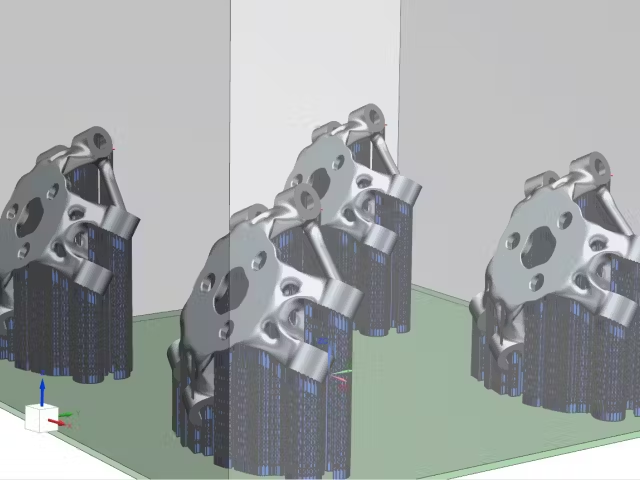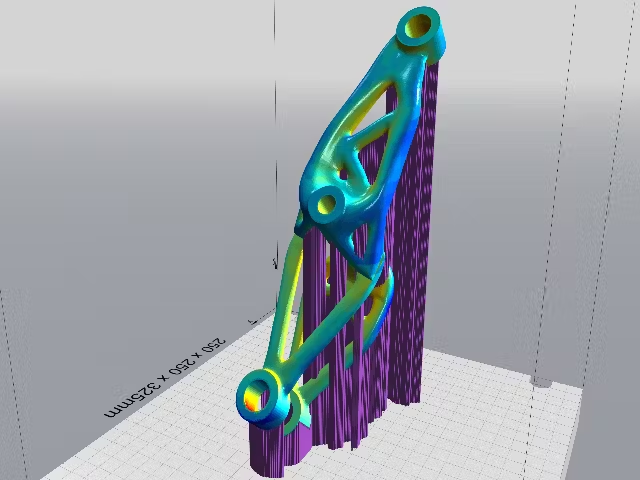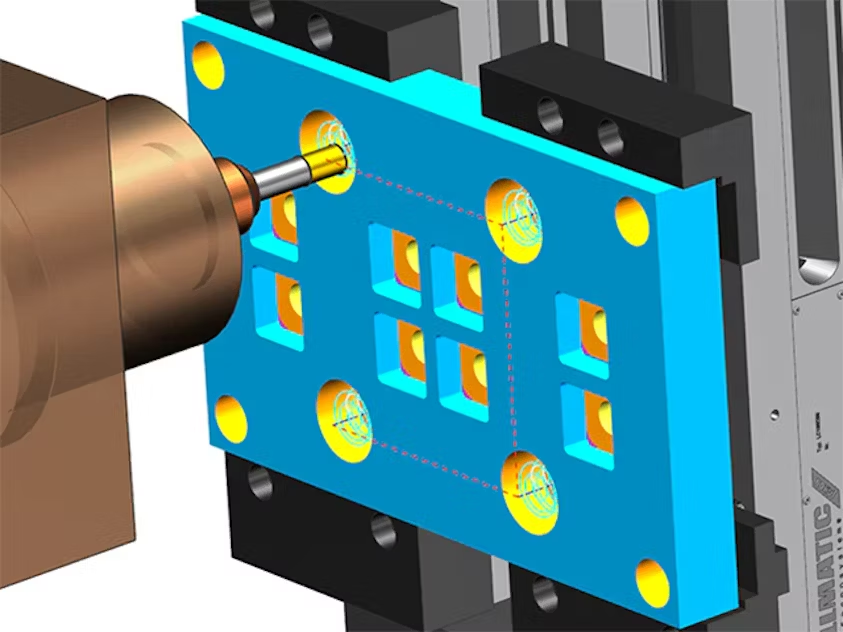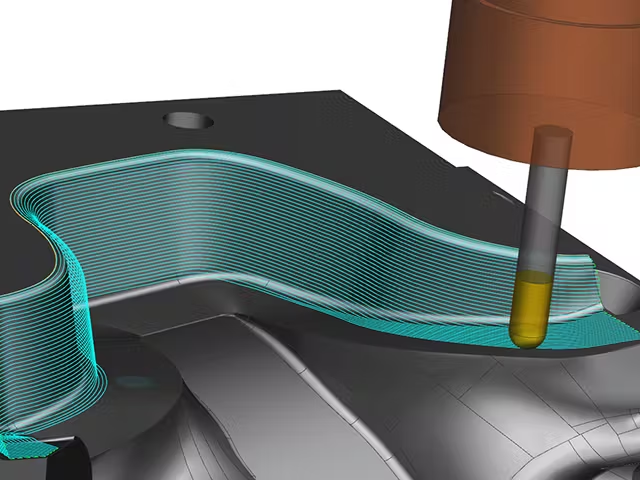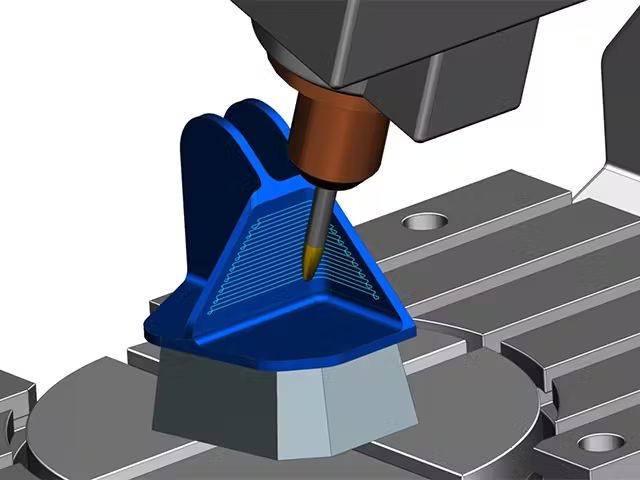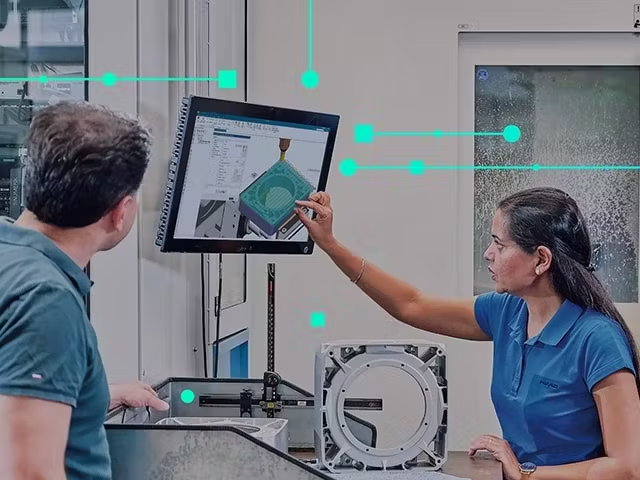



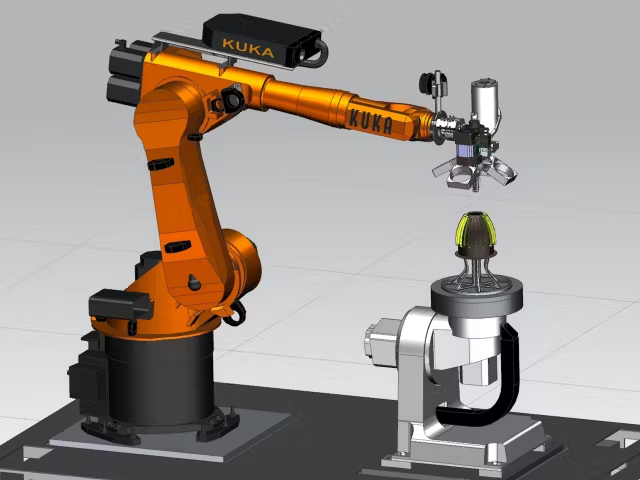
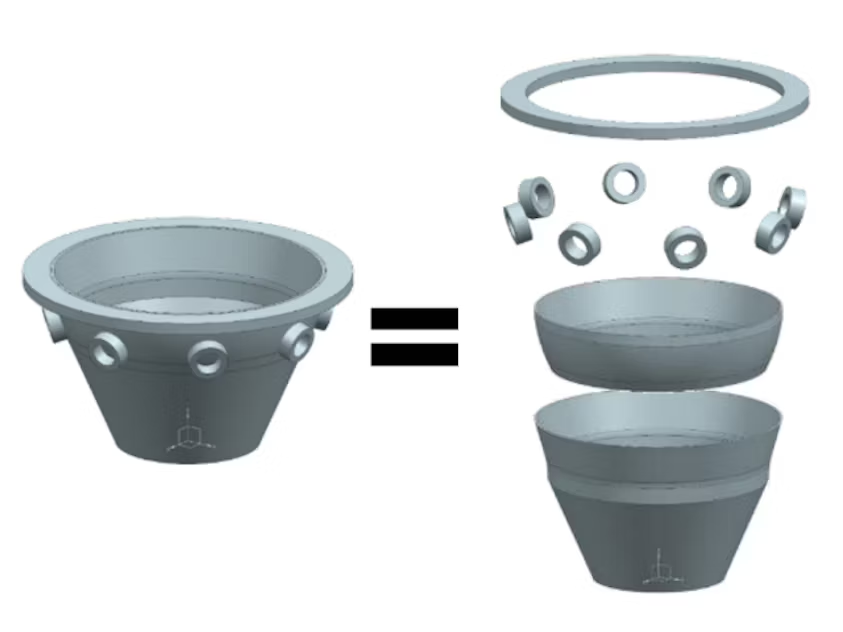
NX AM Multi-Axis provides a comprehensive CAD toolset designed to streamline every stage of additive manufacturing preparation. This includes powerful tools for feature decomposition, stage modeling, and fixture design, enabling efficient setup of jobs within your machine’s kinematic environment.
Feature decomposition, a key capability, allows you to break down complex part features into individual additive operations — a crucial step in generating accurate output for multi-axis and hybrid additive manufacturing.
With these integrated tools, you can accelerate part preparation for toolpath programming and simulation, ensuring faster turnaround and enhanced flexibility to adapt quickly to any design changes.
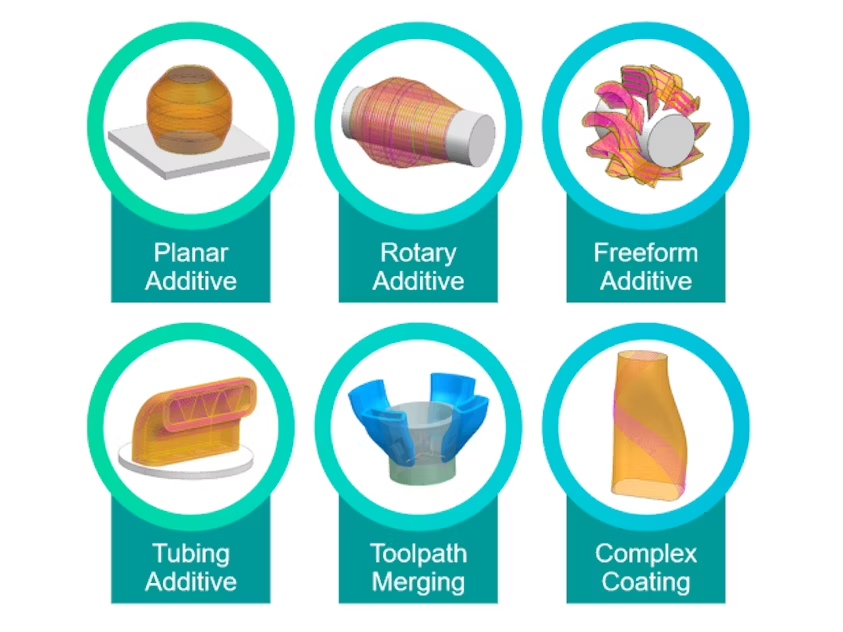
The NX AM Multi-Axis solution includes a robust set of path types for planning the execution of your multi-axis or hybrid print, including planar deposition, rotary deposition, freeform deposition and tubular deposition.
Deposition operations can be easily reordered to enable the utilization of different parameters on infill vs finish passes, to reorder multiple bodies into an optimum build solution, or to accommodate the printing of different materials.
Deposition simulation then allows you to visualize the deposition of the material, helping you to identify areas where material is missing, verify the deposition process, and to prevent collisions with the deposition head.
Below is a short description of various deposition path types available in NX AM Multi-Axis and their advantages.
Planar deposition:
Build planar levels with zigzag or spiral infill
Make hollow objects with Planar Additive Thin Wall Helical
Perform multiple finish passes on inner and outer boundaries
Use 5-axis movement to align with drafted walls
Rotary deposition:
Define simple rotary axis movement with build-up properties
Create round features along the part axis or add features to a round part
Align print head with draft angles of features
Use thin-wall option for flanges or similar features
Freeform deposition:
Build-up “skins” on 3D freeform geometry
Construct thin wall features
Build features onto 3D shapes
Ensure build-up consistency
Tube deposition:
Perform a single pass build-up for tube structures
Apply efficient helical motion to deposition
Vary slice thickness based on geometry

Some multi-axis and hybrid additive machines use a full 5-axis setup for material deposition. This has the advantage of creating a higher-quality surface finish with better deposition accuracy and a better net shape.
Having robust 5-axis deposition support in software is important because some 5-axis printing technologies have unique requirements. For example, wire arc deposition can result in an undesired condition where the arc jumps from the area of deposition to another area of the part if the deposition head gets too close. Adjusting the angle of the deposition head can alleviate these issues, and this is the type of robust planning for the 5-axis deposition that NX AM Multi-Axis provides.
Furthermore, having a world-class CAM system integrated into the same system as our NX additive manufacturing solutions means you can easily switch between additive and subtractive operations when using a hybrid manufacturing machine. This helps reduce the waste resulting from non-optimal manufacturing processes, like having to use multiple software solutions.